From prompt to product in 90 minutes
9:18 AM: I created a designated folder and gave Claude permission to work in it. I asked Claude to help me build a calendar app that integrates with Google Calendar and allows people to schedule meetings with me based on my availability pulled from both work and personal calendars. By prompting Claude to ask me questions about my requirements, I was able to set the scope that I wanted, which was for the app to work publicly without requiring a login, integrate with Google Calendar, and alert both myself and the recipient when a meeting is scheduled.
9:29 AM: Claude created the basic app and put it into the folder that I designated. I went to the README.md file that it had created and followed the instructions listed.
9:30 AM: I created a Google Cloud OAuth client.
9:41 AM: I created a Gmail app password.
9:45 AM: I got to the step on configuring environment variables and got stuck. I troubleshooted with Claude, helping me get my '.env.local' file set up correctly.
10:03 AM: I tried to preview the site on my localhost and got an error. I troubleshooted again with Claude, helping me get my local development environment set up correctly.
10:15 AM: I was able to successfully connect my two Google Calendars to the test app and preview it on my localhost.
10:17 AM: Now I was ready to set up my GitHub repo and deploy the app to Netlify. I created a new repo and pushed the code to it. I then connected my GitHub repo to Netlify and deployed the app.
10:30 AM: Now that the app was deployed, I had to go back and update the Google Cloud OAuth client to include the Netlify URL as an authorized redirect URI. I also had to update my '.env.local' file with the new client ID and secret.
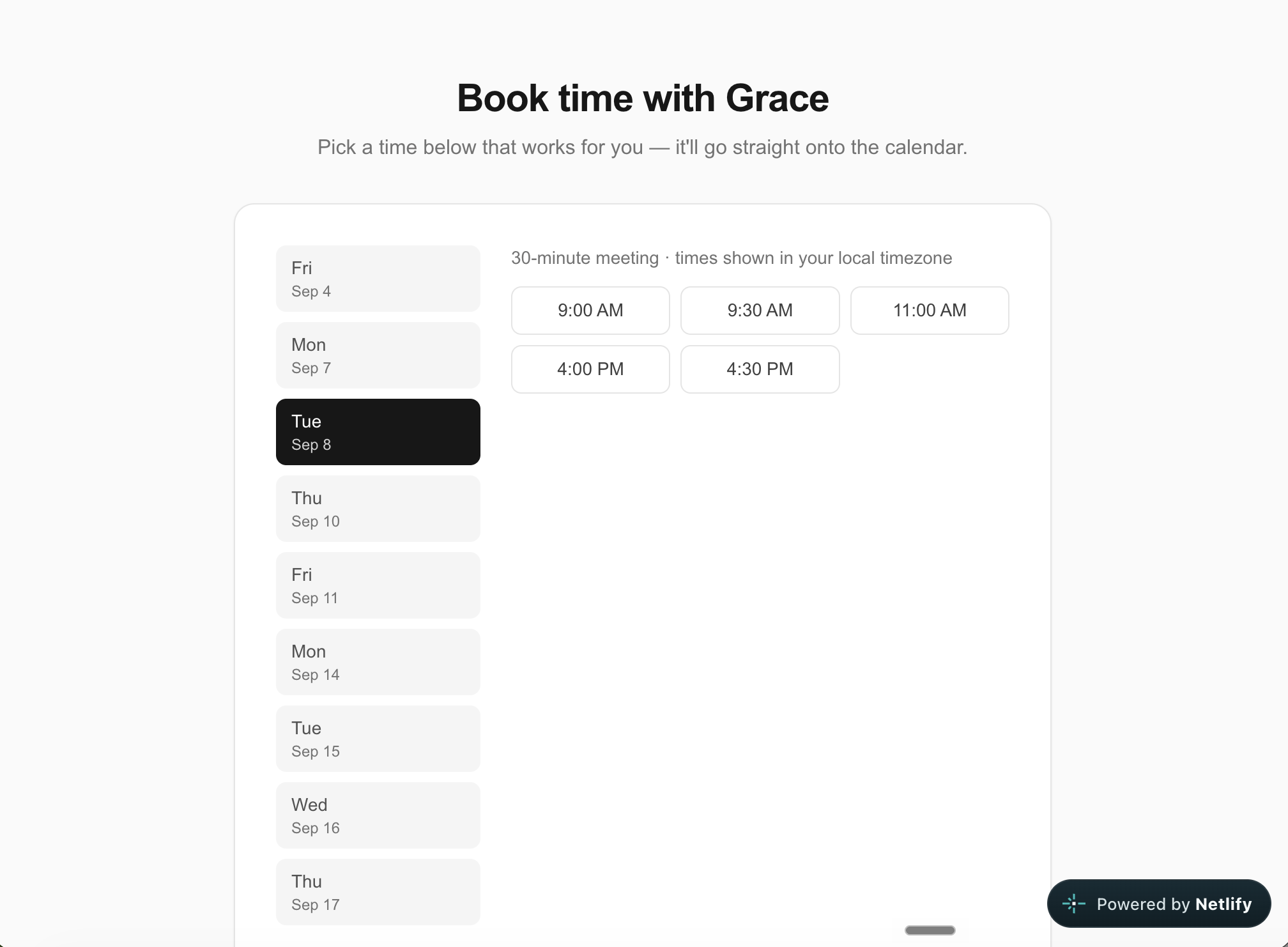
10:45 AM: App is live and ready for use! I tested the app by scheduling a meeting with myself and it worked perfectly. I was able to see the meeting on both of my Google Calendars and I received an email notification as well.
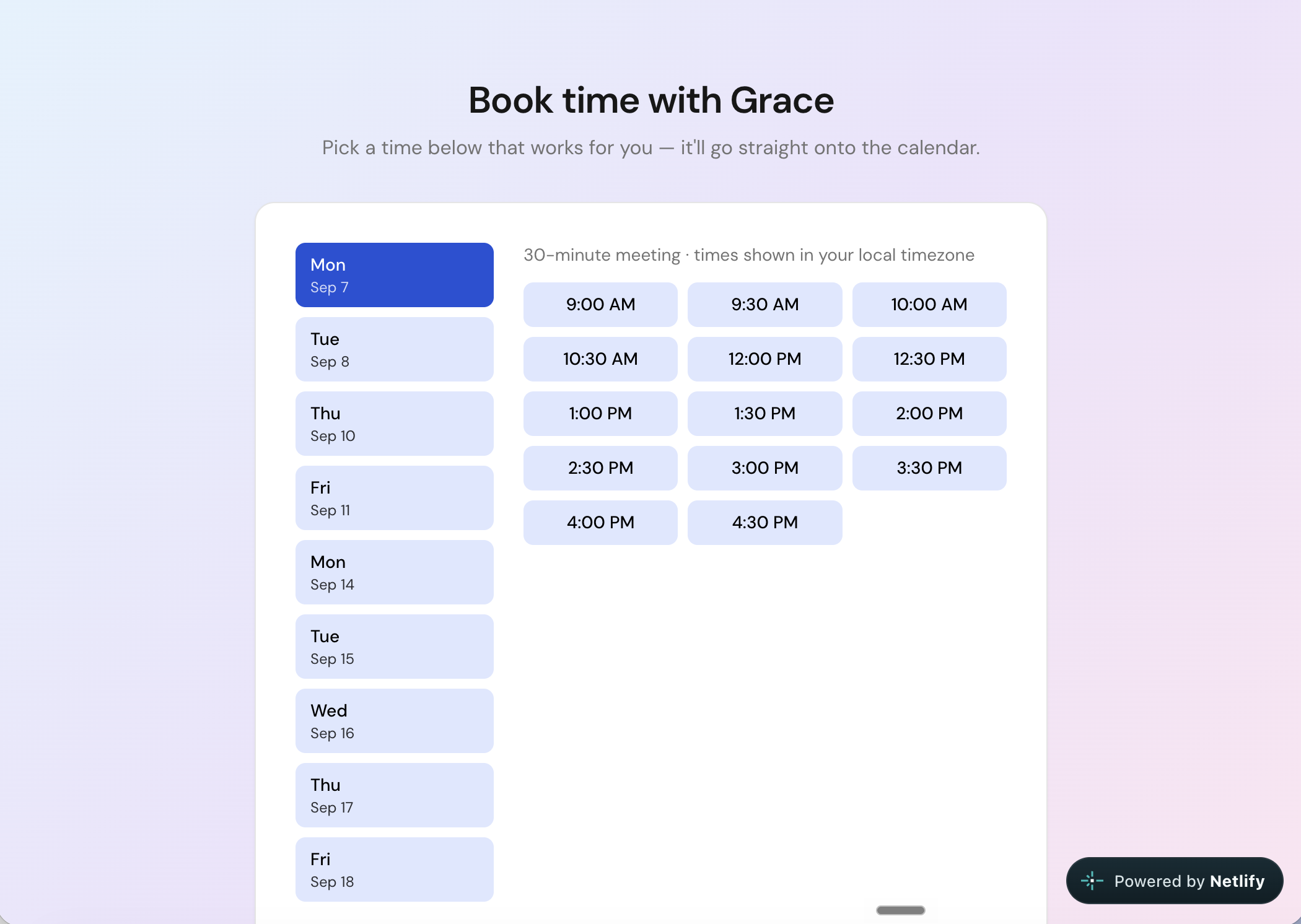
As a bonus step, after verifying the app, I went back to Claude and asked for a few design tweaks to make it a more visually appealing experience for people scheduling with me. I added a gradient background and tweaked the font face and button colors (default, hover, selected, active), since I didn't have an existing design system for this app. Claude made the changes and I deployed the updated app to Netlify.
You can visit and use the app yourself: https://meetwithgrace.netlify.app/